
Your IP: 216.73.216.67
Your rDNS: 216.73.216.67
Security conscious computing

Battery Badge
Battery Badge
iPhone App
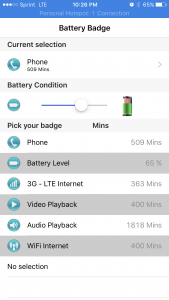
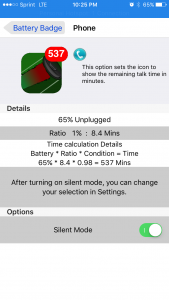
Battery Badge updates the icon on the Home Screen to show the remaining battery, in one of several modes. Does not drain the battery, Battery badge only updates when you launch it.
Datarate Chart
Data Rate Calculator
iPhone & iPad App
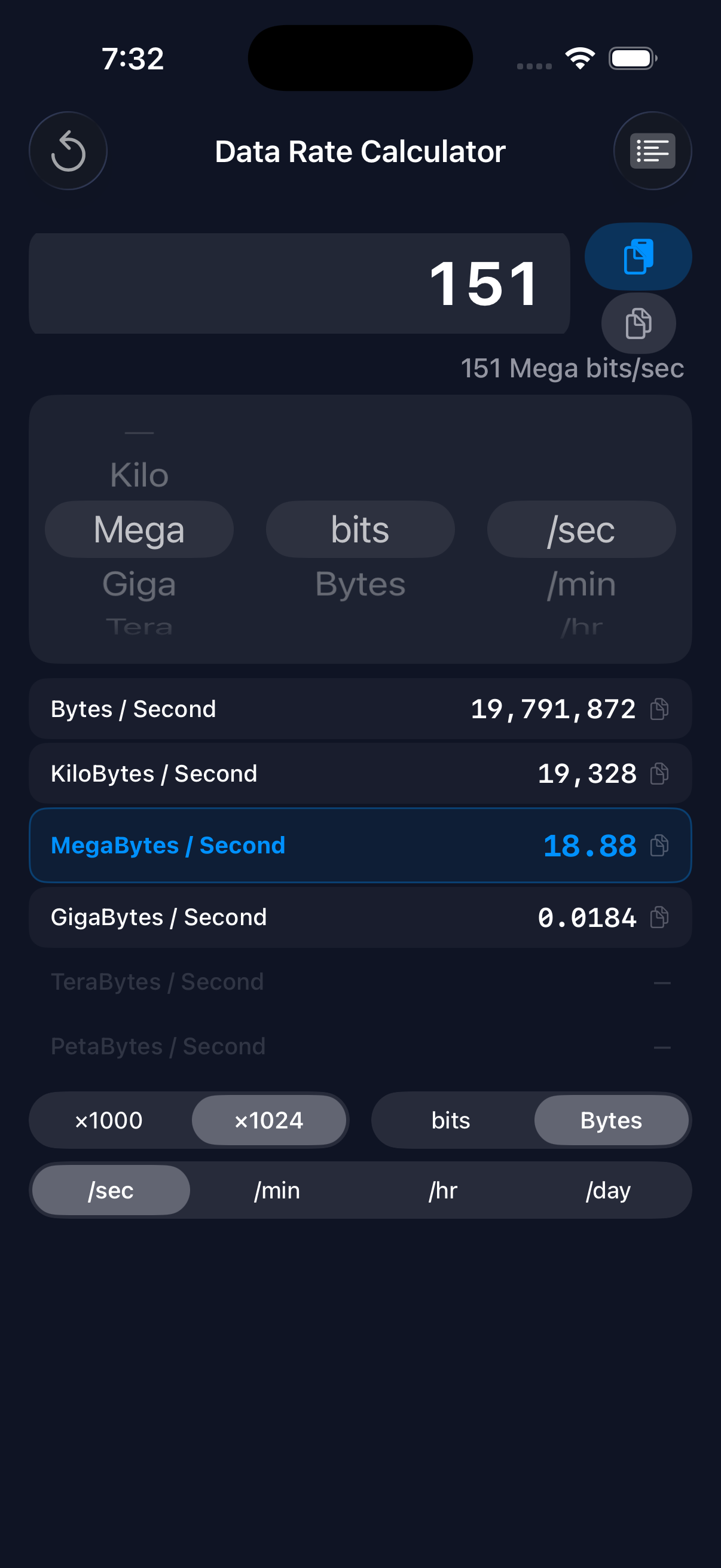
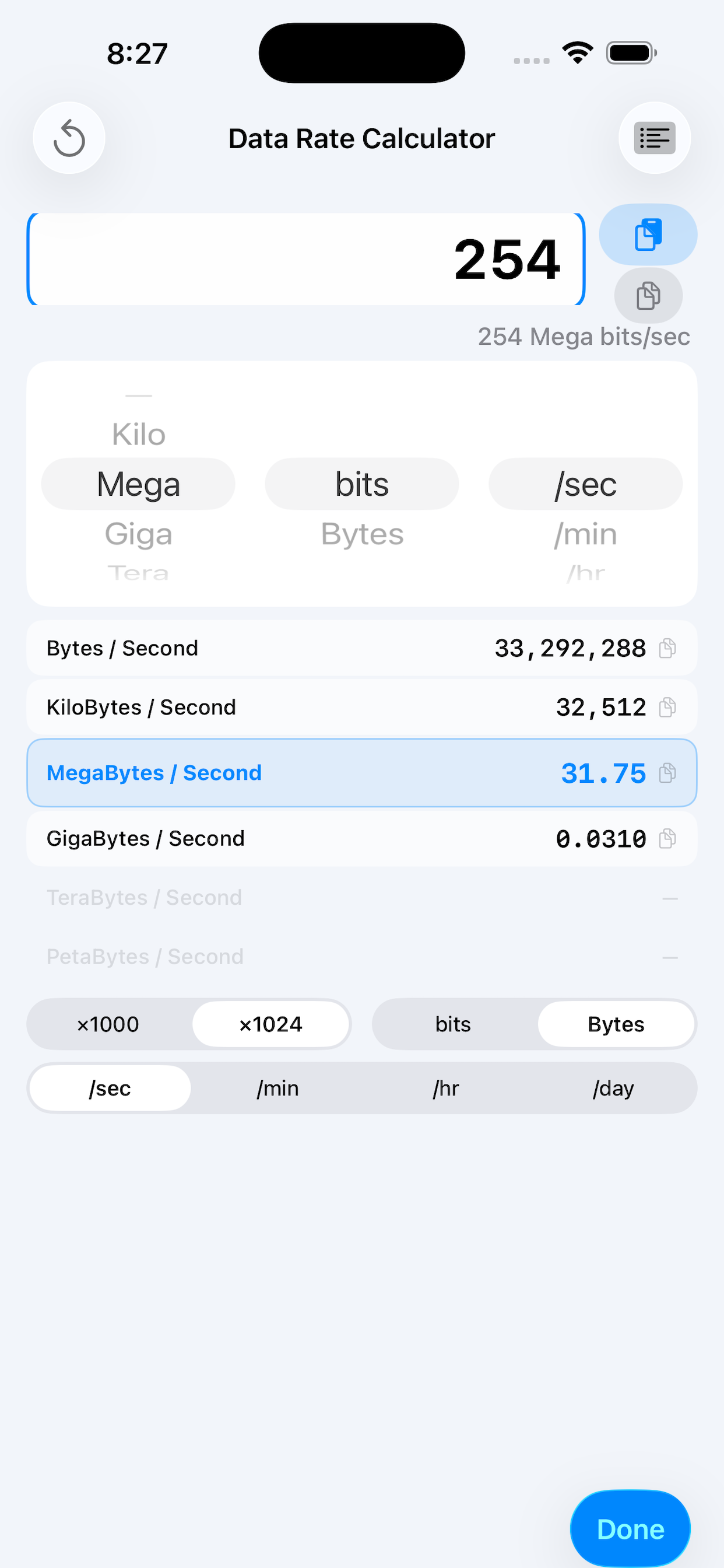
Data Rate Calculator instantly converts between data transfer rates and helps you understand bandwidth in practical terms.
Enter any rate—like your internet speed or drive transfer rate—and see it converted across all common units: bits, bytes, kilobits, megabytes, gigabits, terabytes, and more.
Features
- Instant conversion as you type
- Quick presets for Gigabit Ethernet, Wi-Fi 6, 5G, USB4, Thunderbolt, NVMe SSD, and more
- Switch between decimal (×1000) and binary (×1024) bases
- View conversions per second, minute, hour, or day
- Copy any result with a single tap
- Native SwiftUI design with dark mode support
- Universal app for iPhone and iPad
Monitor Lizard
Secure Underground Monitor Lizard
Status monitoring of enterprise systems
Monitor Lizard will alert technicians when problems arise, and track key details over time to assist in diagnosis and resolution of problems.
Standard Monitors
- Server hard drive space
- RAID Status (Dell, HP, etc.)
- Ping test
- Room temperature (UPS or Monitor Lizard Based)
- Inside server temp (Dell, HP, etc.)
- Exchange queue size
- SMTP / pop3 Mail flow test (out and back again)
- Internet up/down test
- DNS SOA record test (AD Replication)
- Website test (OWA, Public website, etc.)
- Down services on servers
Backup status checks (size, dates, log, etc.)
- Image backup status (including NAS as the destination)
- File backup status (including NAS as the destination)
- Tape backup status (reading the logs)
Custom monitors
- Any command line test can be converted into a Monitor
Trend graphing
- CPU Usage
- Server Network traffic
- Hard drive space
- Memory usage
- Internet traffic
- Server room temperature
Alerting
- E-mail techs
- Phone call to techs (for emergency items)
- Automatic ticket creation and resolution
Automatic problem resolutions
- Restart down services
- Clean up temporary files
- Scripts customized for your network to resolve recurring problems automatically